Last updated · 26 August 2026
Terms of Service
These terms cover your use of the Qroda iPhone app and this website, operated from qroda.lucavallin.com. The app itself is licensed under Apple's standard Licensed Application EULA; the terms below add what actually matters for a ride recorder.
Riding comes first
Qroda is a recording tool, not a riding aid. Do not interact with your phone while riding. Mount your device securely, start the recording before you move off, and keep your attention on the road. You are solely responsible for riding safely and legally.
Recorded data is not evidence
Speed, lean angle, acceleration, elevation and location are estimates derived from consumer phone sensors. They carry error, they can drift, and they are not calibrated instruments. Do not rely on them for anything that matters legally, mechanically or medically.
Public roads
Qroda records what you ride. It does not encourage you to break speed limits or ride beyond your ability. Share cards showing illegal speeds are your responsibility to publish, not ours.
Your data
Your rides, tracks and share cards are yours. They live on your device and, if you use iCloud, in your own iCloud private database. Qroda has no accounts and no servers, and we take no licence over your content. You can export rides as share cards and erase everything from Settings at any time.
Availability and changes
Qroda is free and provided as is, without warranty of any kind. Features may change, and these terms may be updated; material changes will be announced in the app before they take effect. To the extent the law allows, we accept no liability for damage arising from use of the app. The mandatory consumer protections of your country of residence are unaffected by these terms.
Contact
Questions go to qroda@lucavallin.com.
Last updated · 20 November 2026
Privacy Policy
Qroda records where and how you ride, which is sensitive information. This policy is short because the design is simple: your rides stay yours, on your devices.
What we collect
Nothing, on our side. Qroda has no accounts, no sign-in, and no servers of ours. We cannot see your rides, your location, or your name.
What stays on your device, and in your iCloud
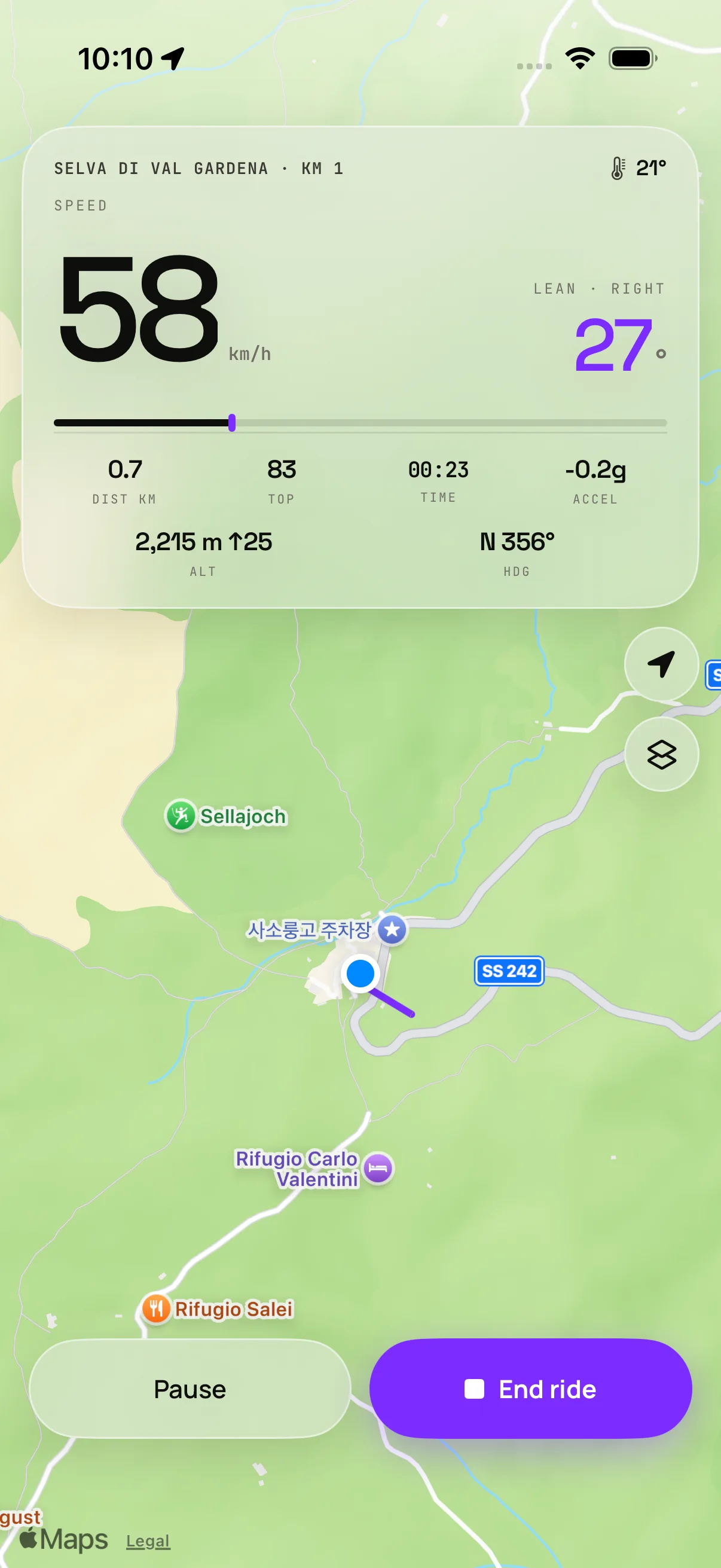
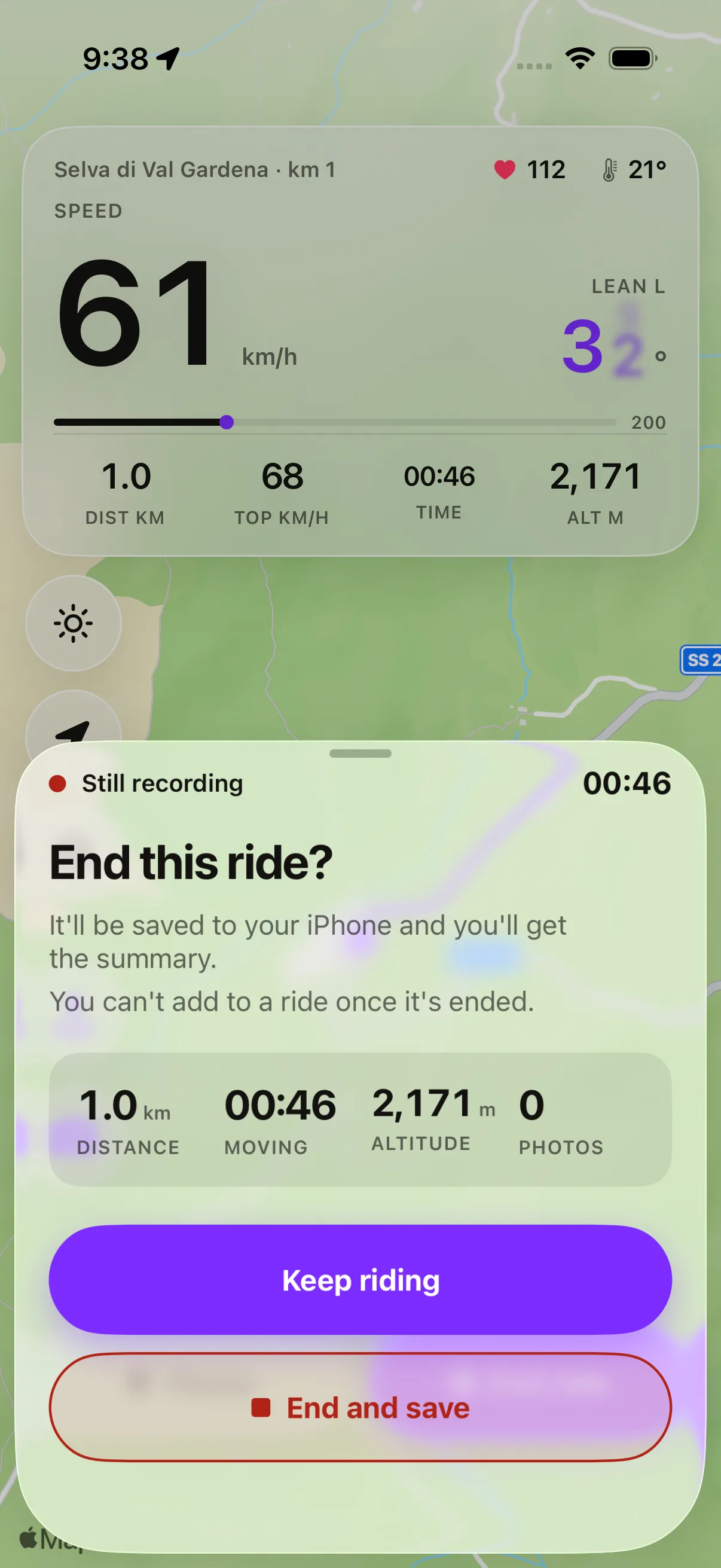
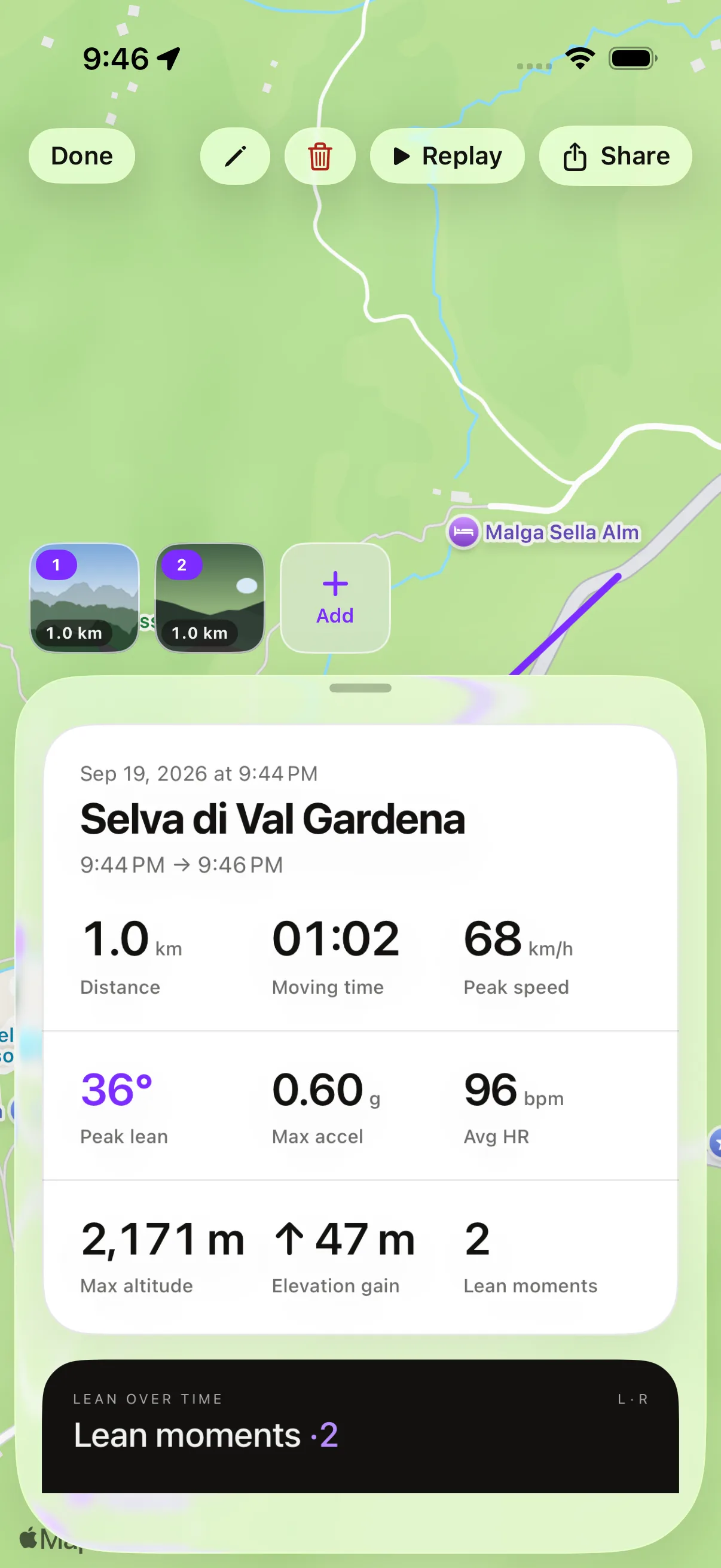
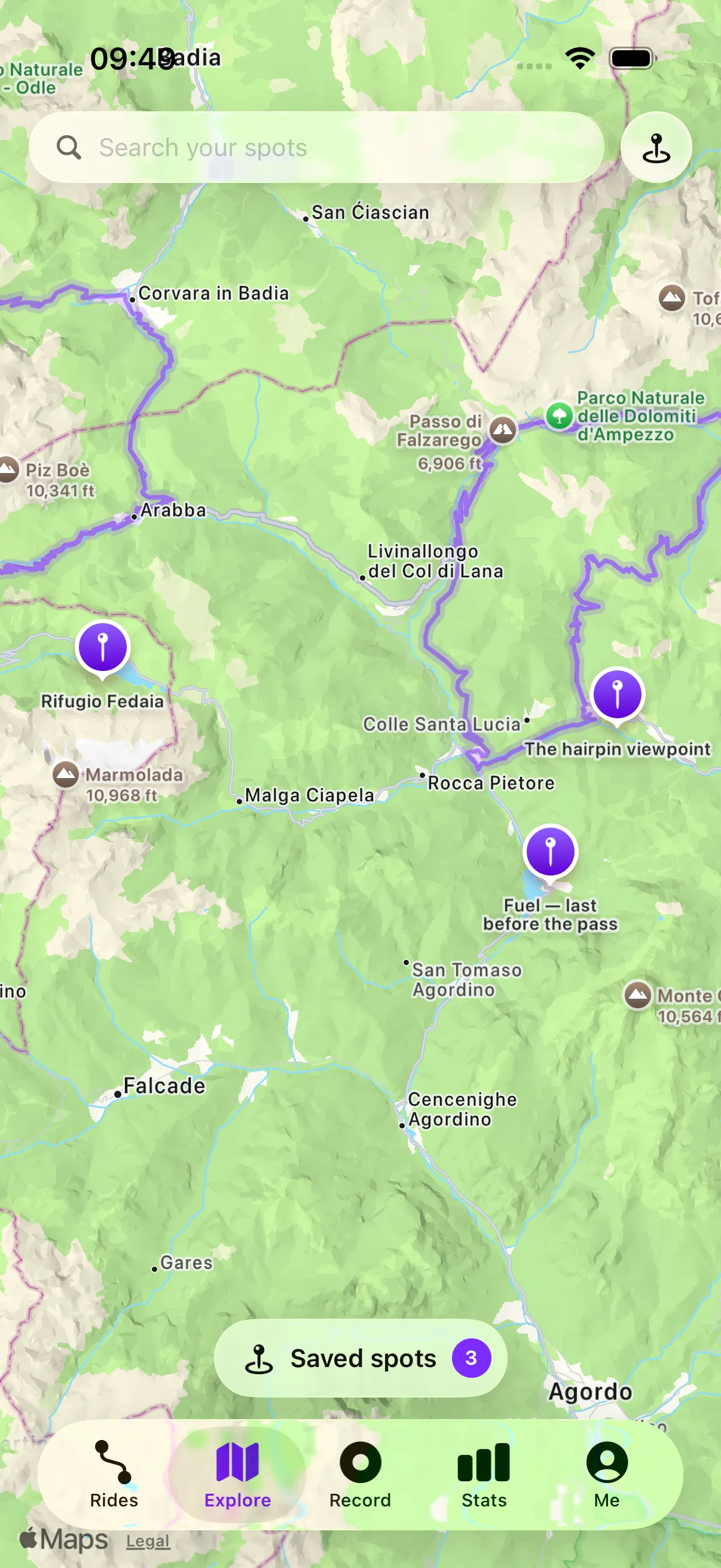
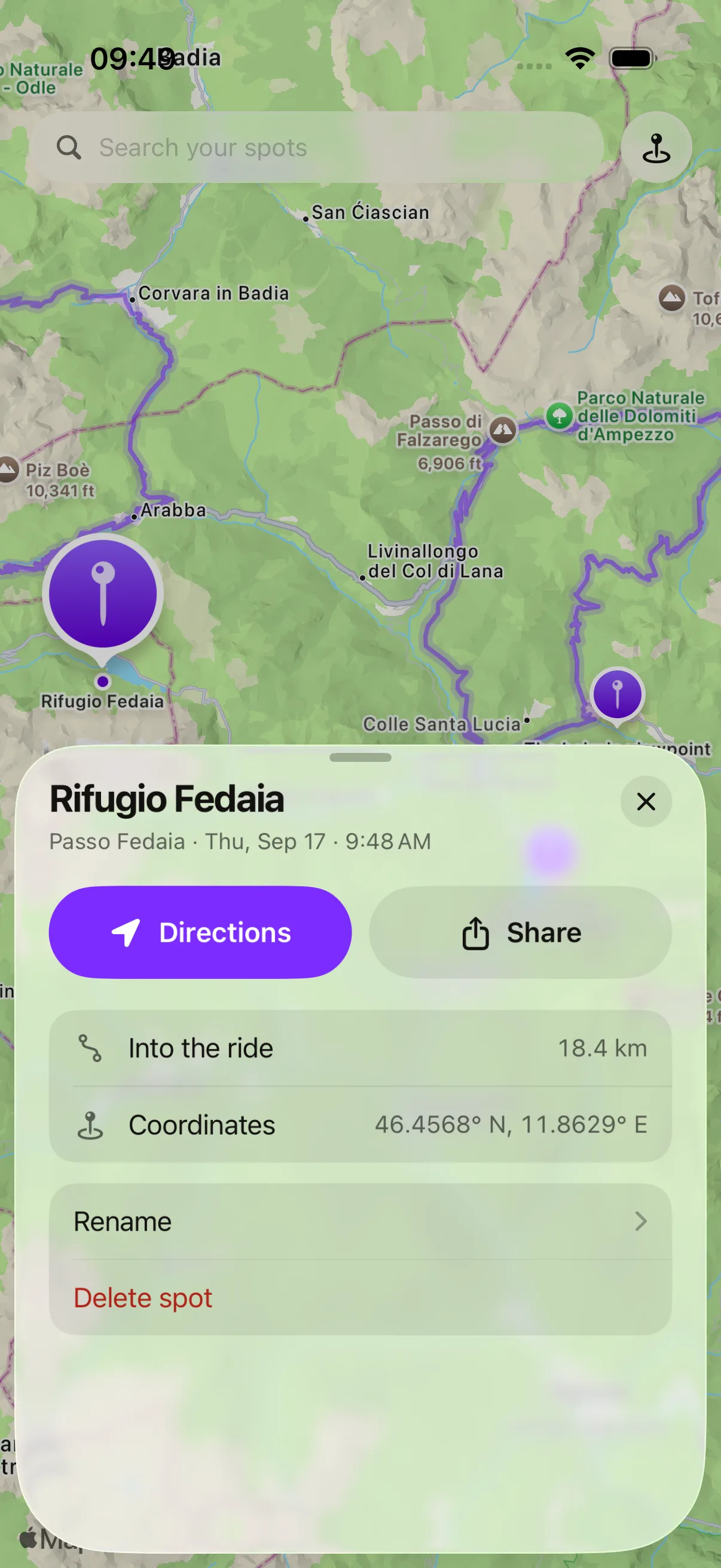
- Ride data (GPS track, speed, lean angle, acceleration, elevation, timestamps, the air temperature at ride start, the photos you attach and the spots you save) is stored on your iPhone.
- If your device is signed into iCloud, rides, your rider profile and planned routes sync to your own iCloud private database, under your Apple ID, covered by Apple's iCloud terms. We have no access to it.
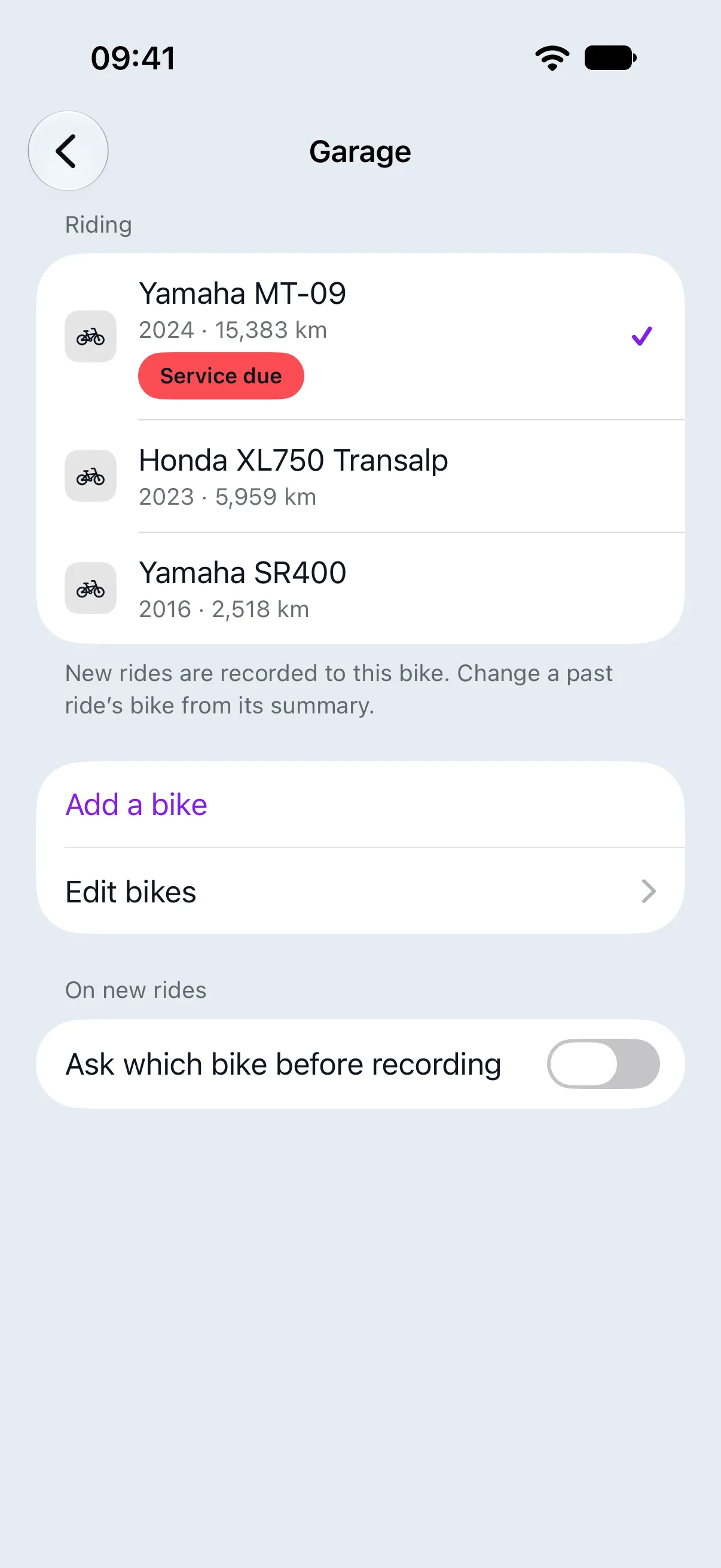
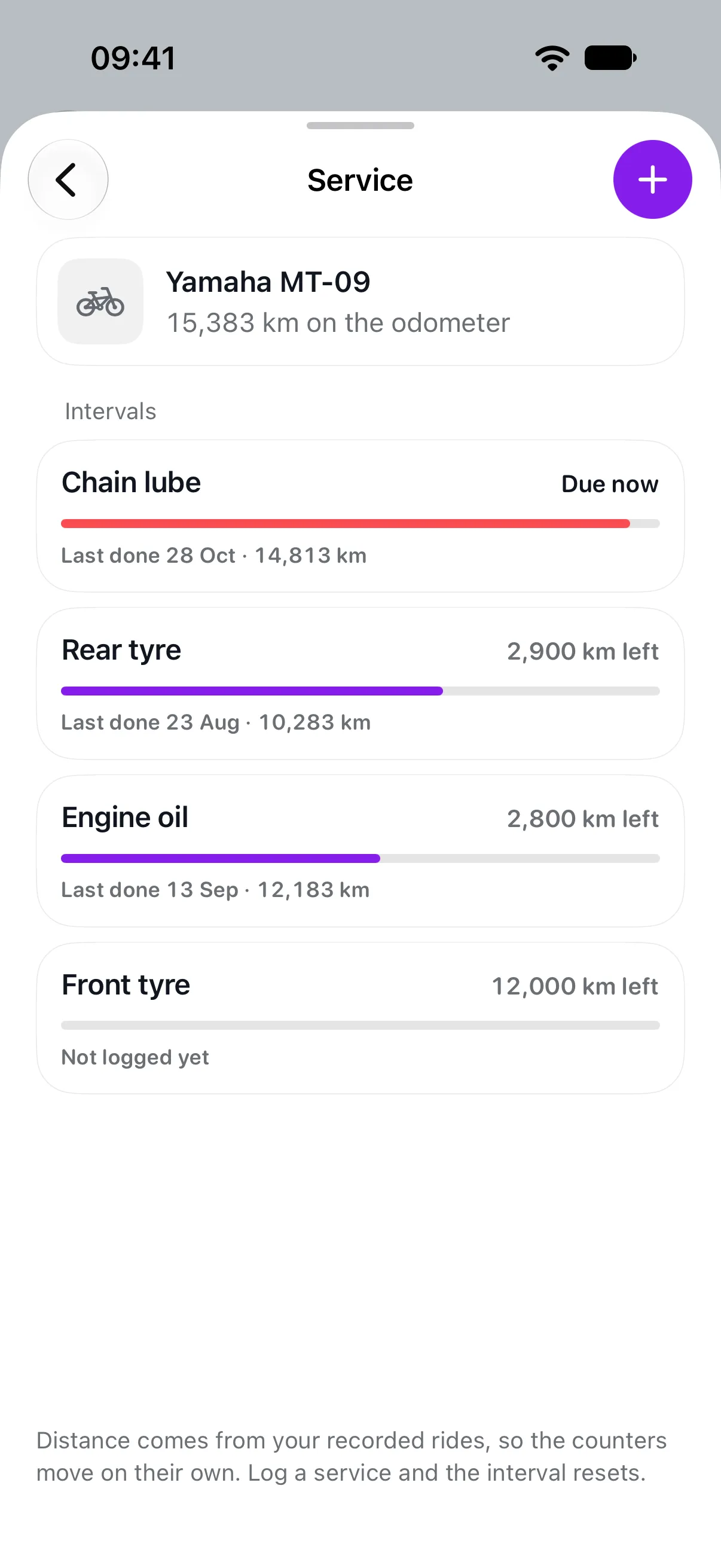
- Your garage (each bike's name, plate and odometer, and its service intervals and log) stays on your iPhone and in your own iCloud private database, and is included in the data export.
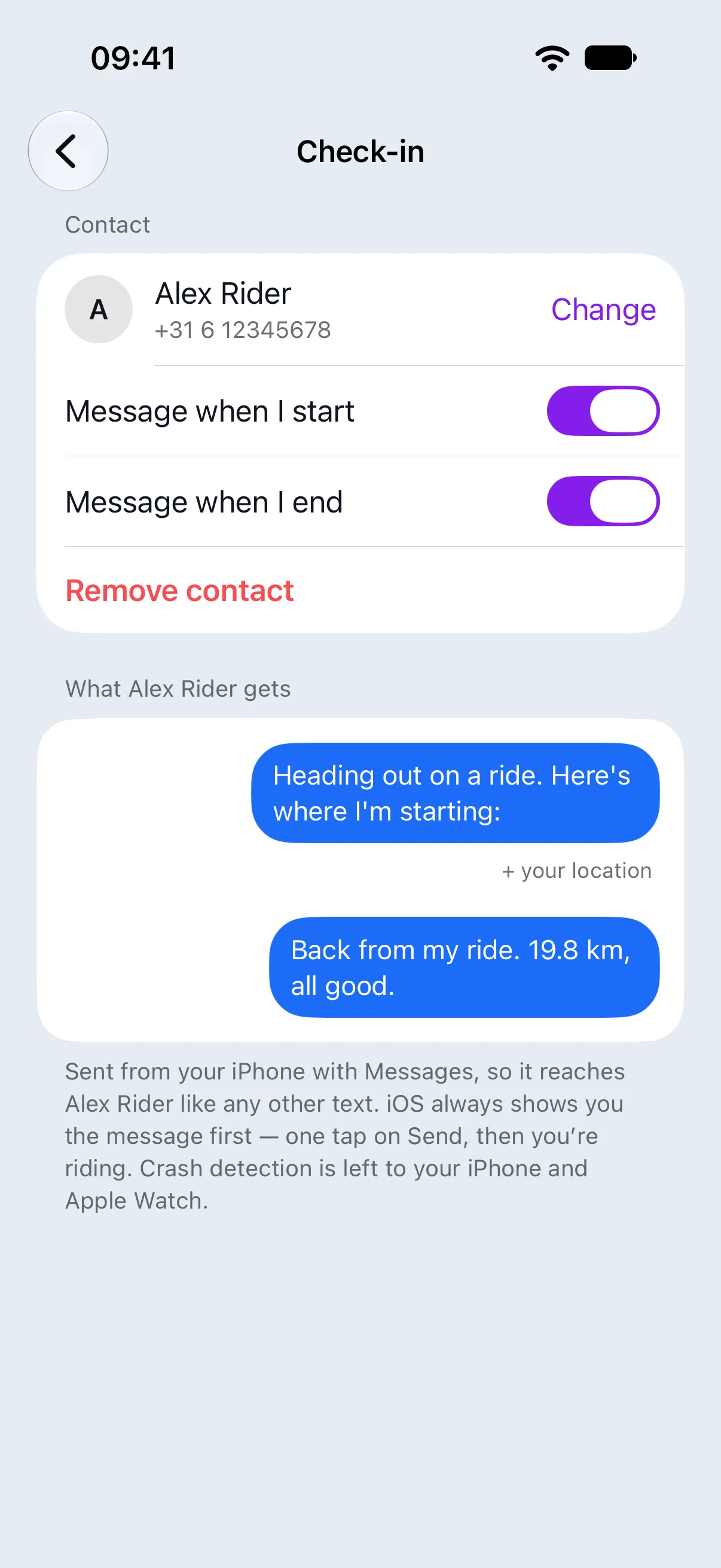
- If you choose a check-in contact (Settings), their name and phone number are stored on your iPhone only, never sent anywhere by Qroda, and removed by Erase all data. When you start a ride, Qroda hands that number and your starting coordinates to Messages as a draft you can edit or discard; Messages, not Qroda, sends anything.
- Erase all data (Settings) deletes everything from the device and from your iCloud.
Location
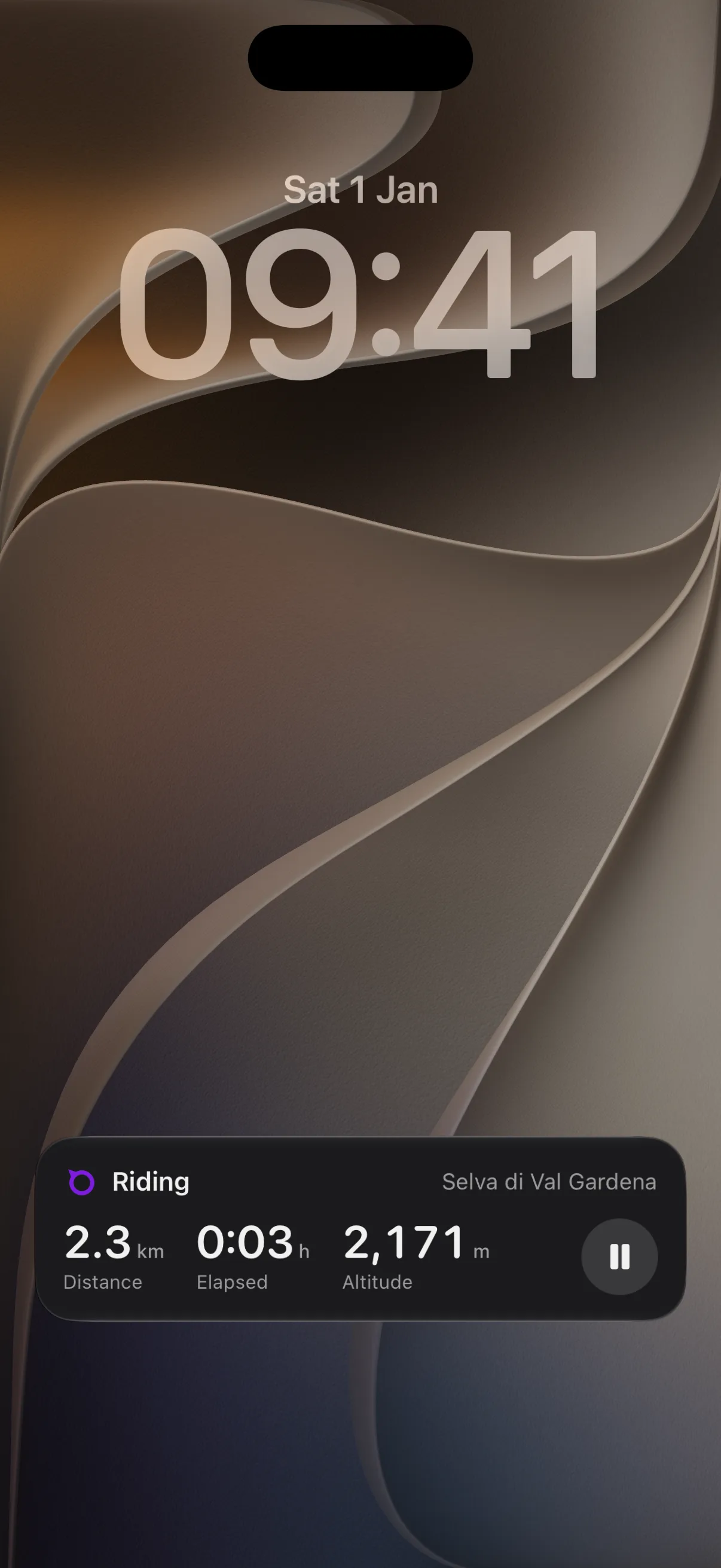
Qroda asks for location access, including background location while a ride is recording, because a ride cannot be tracked otherwise. Recording only runs when you start it, iOS shows an indicator while it does, and the Live Activity keeps it visible. You can revoke the permission at any time in iOS Settings.
Motion sensors
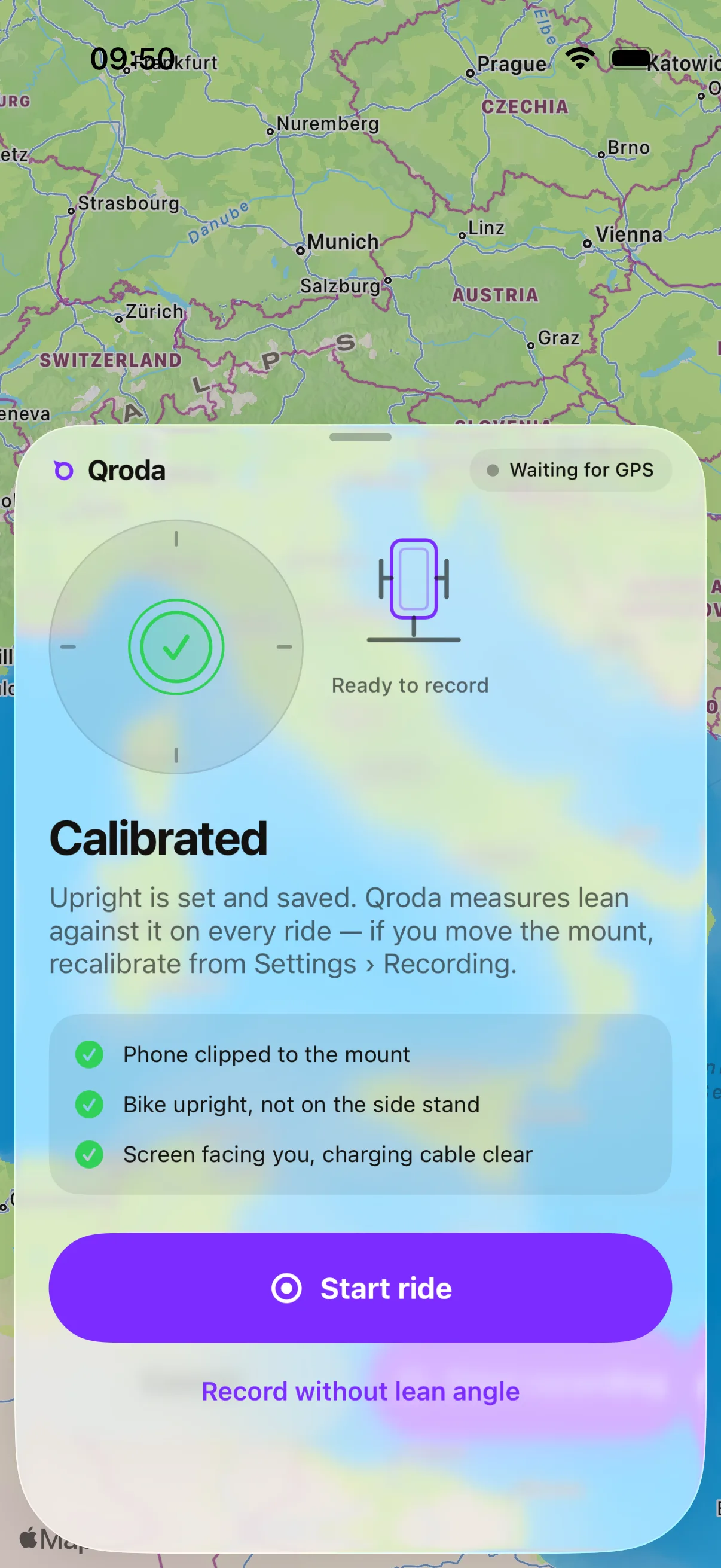
Lean angle and the mount calibration use the phone’s motion sensors, read on the device while a ride is recording or while you calibrate. The calibration baseline is a single stored value on your iPhone.
Apple Health
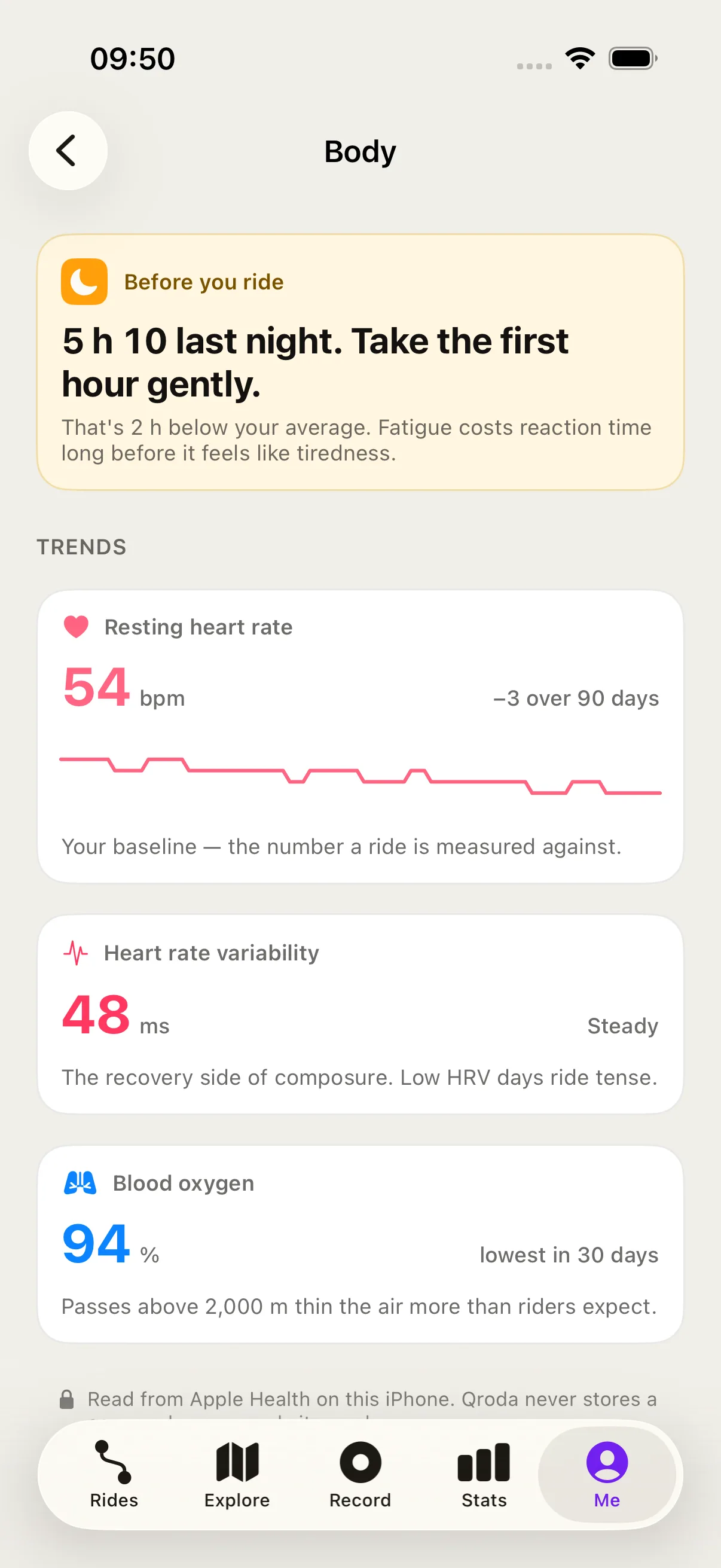
If you connect Apple Health, Qroda reads heart rate, active energy, sleep, resting heart rate, heart-rate variability and blood oxygen on your device to show them beside your rides, and writes each ride back to Health as a workout. Health data never leaves your iPhone; iOS lets you revoke any of it in the Health app at any time. We cannot see whether you granted access.
Photos
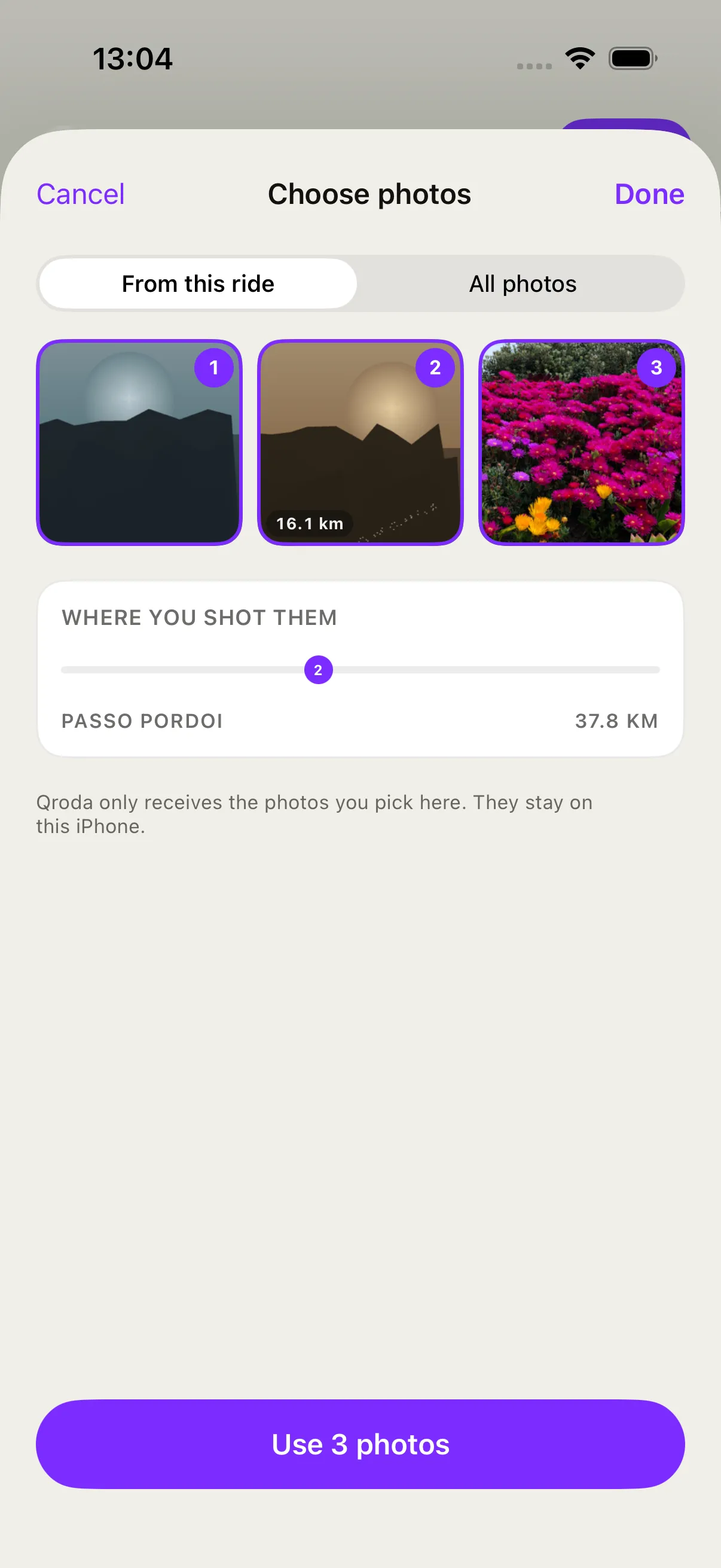
Photos you take from the recorder are saved to your photo library with add-only permission; Qroda never reads your library. Photos you pick for a ride or a share card are the only ones the app receives.
Notifications
Qroda can send three notifications: that a ride finished saving in the background, that you earned a milestone, and that a service interval came due after a ride. Each one is created on your iPhone from data already there, and there is no push server. They are optional and off until you allow them, and Settings has a switch for each.
Weather
The air temperature shown on a ride comes from Apple's WeatherKit, queried by the app on your device as a system service. We do not operate or see those requests.
Diagnostics
Crash and performance diagnostics use Apple's on-device MetricKit and the system log. They stay on your device unless you choose to share analytics with Apple through iOS settings; nothing is sent to us.
Sharing
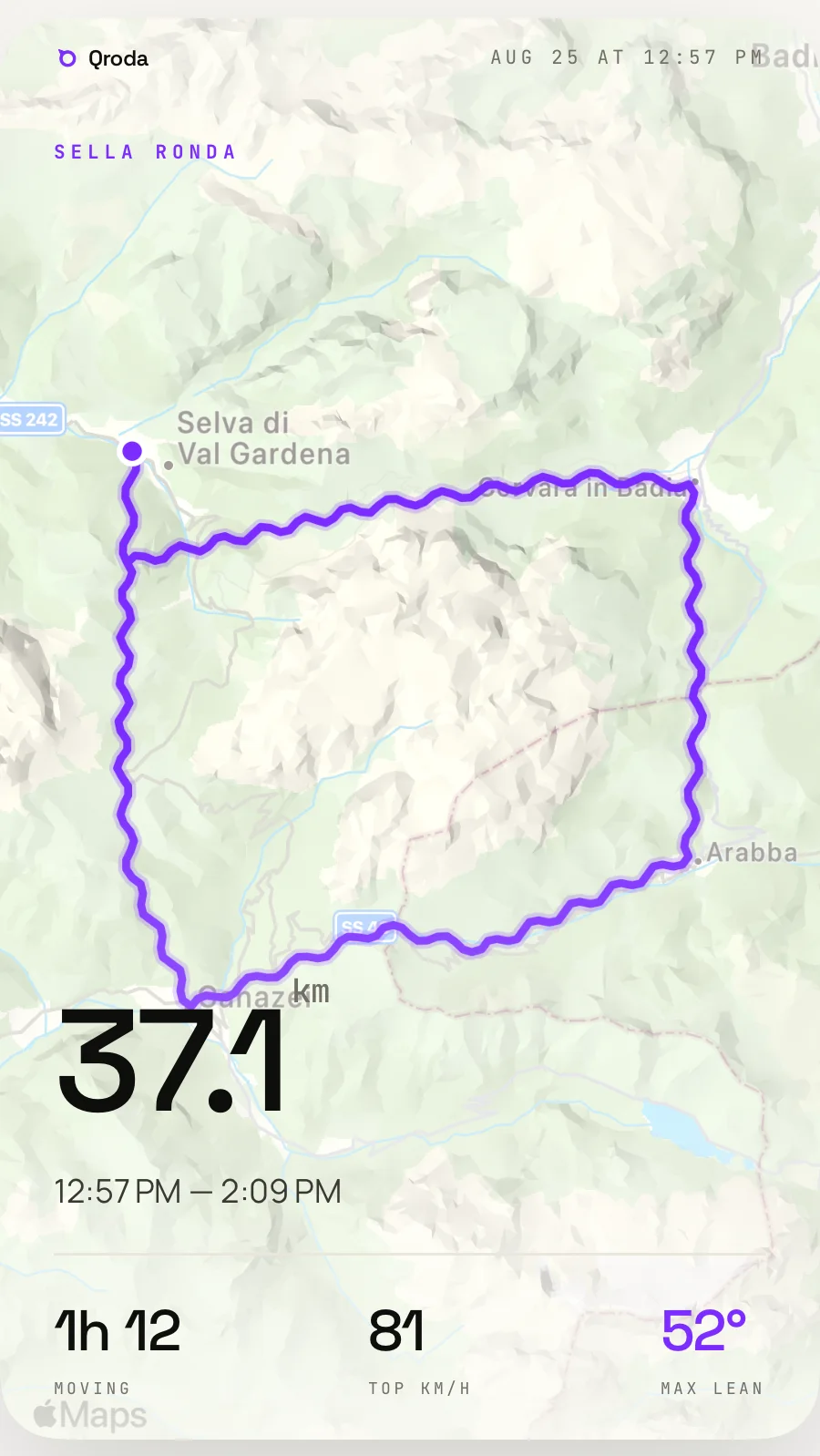
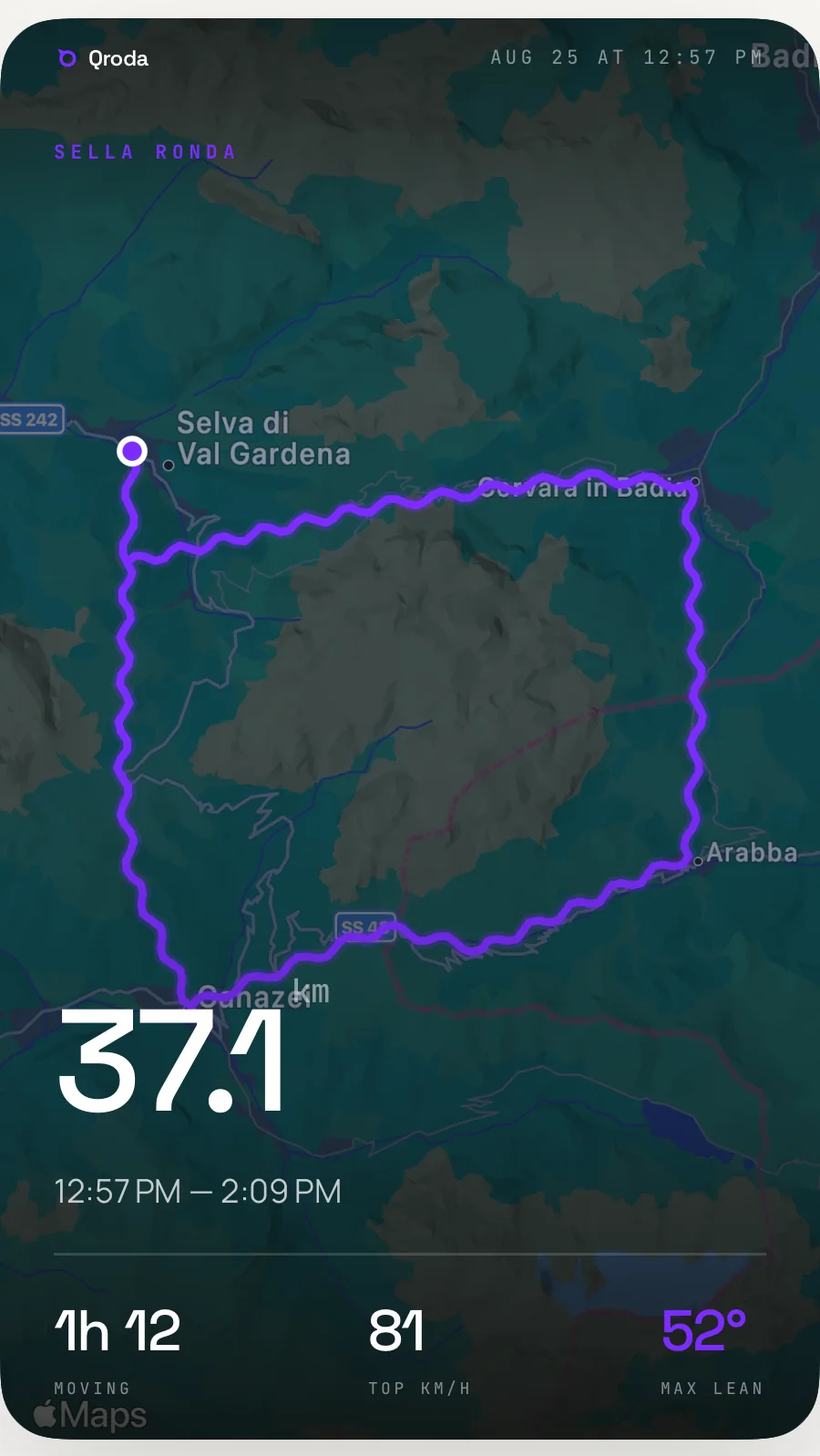
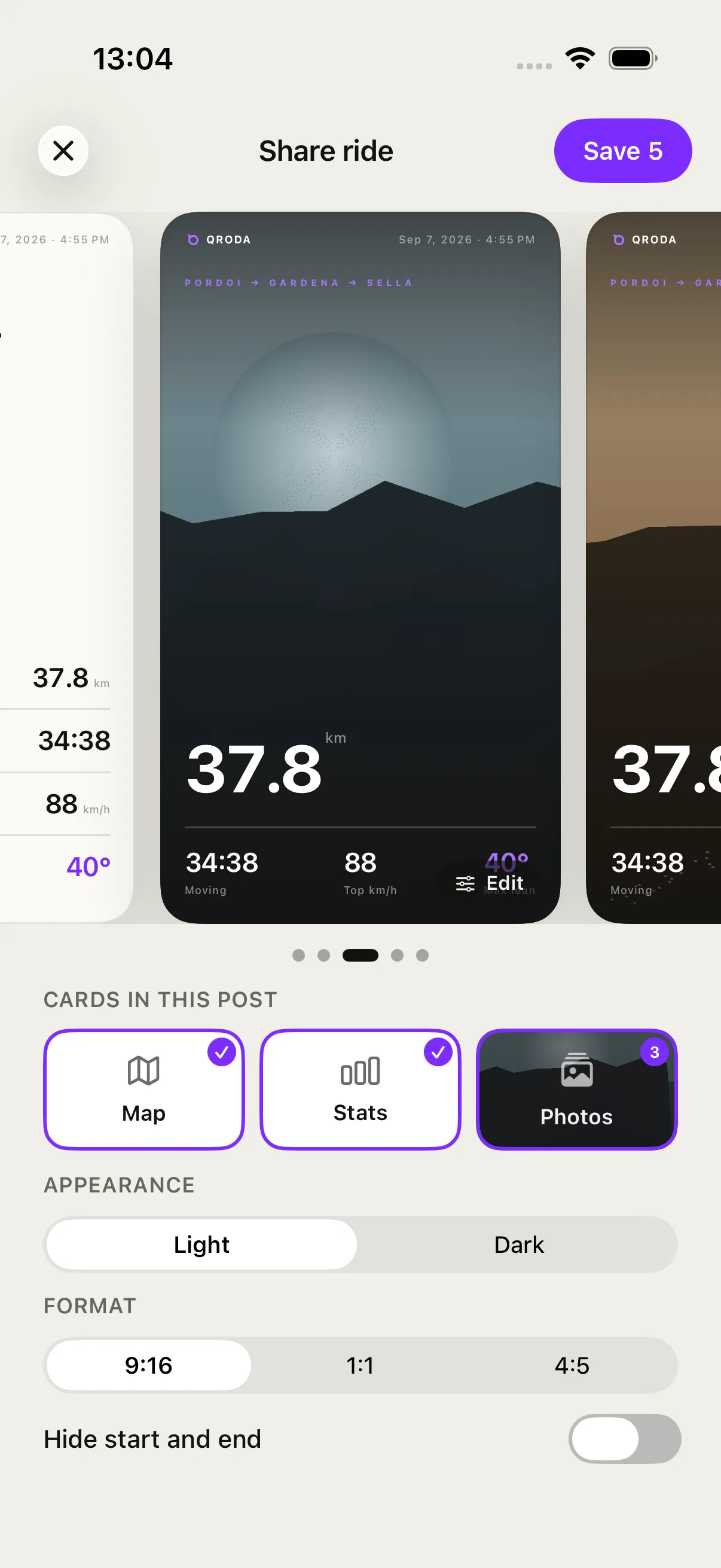
Every ride is private until you export a share card yourself. The optional "Hide start and end" toggle trims the route's endpoints from the exported image so it doesn't pinpoint where you live.
This website
qroda.lucavallin.com is a static page. It sets no cookies and runs no analytics or trackers. It is served by Vercel, whose infrastructure keeps standard, short-lived access logs (such as IP address and browser type) to deliver and secure the site. We don't use them to identify anyone.
Your rights
Privacy laws such as the GDPR give you rights over data an organisation holds about you. We hold none, so there is nothing for us to access, correct, export, or restrict. Those controls live in the app itself: your rides are on your device, exports are yours to make, and Erase all data (Settings) removes everything from the device and your iCloud. If you believe we do hold something about you, write to us and we'll answer.
Children
Qroda is not intended for anyone under 16.
Changes
If this policy changes materially, the app will say so before the change applies.
Contact
qroda@lucavallin.com